Show disks in Task Manager on Windows Server (diskperf)
On Windows Server, the Task Manager performance tab doesn’t show any disks by default. The disk performance counters are disabled; one command in an elevated prompt turns them on:
diskperf -Y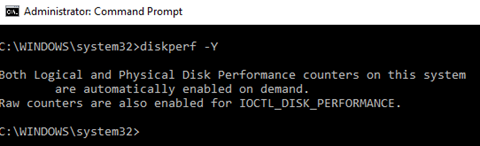
Reopen Task Manager afterwards and the disks appear under Performance. diskperf -N switches the counters off again.
Originally published on anyresearch.net. These are notes from real-world admin work – test before you use them in production.